AI Sci-Fi Filmmaking How Stability AI and Creatify AI Are Changing Indie Production
The New Frontier of AI-Driven Sci-Fi Creation
Imagine you have a wild sci-fi story in your head. Alien worlds. Futuristic cities. Time-bending visual effects that would make a Hollywood studio jealous. But you do not have a million dollar budget or a team of VFX artists. A few years ago, that dream might have stayed stuck in your head. Not anymore.
In 2026, artificial intelligence has completely changed what indie filmmakers can do. AI is setting new standards across the film industry by automating routine tasks and boosting creativity at every stage of production. What used to require a massive crew and expensive software can now happen on a laptop.
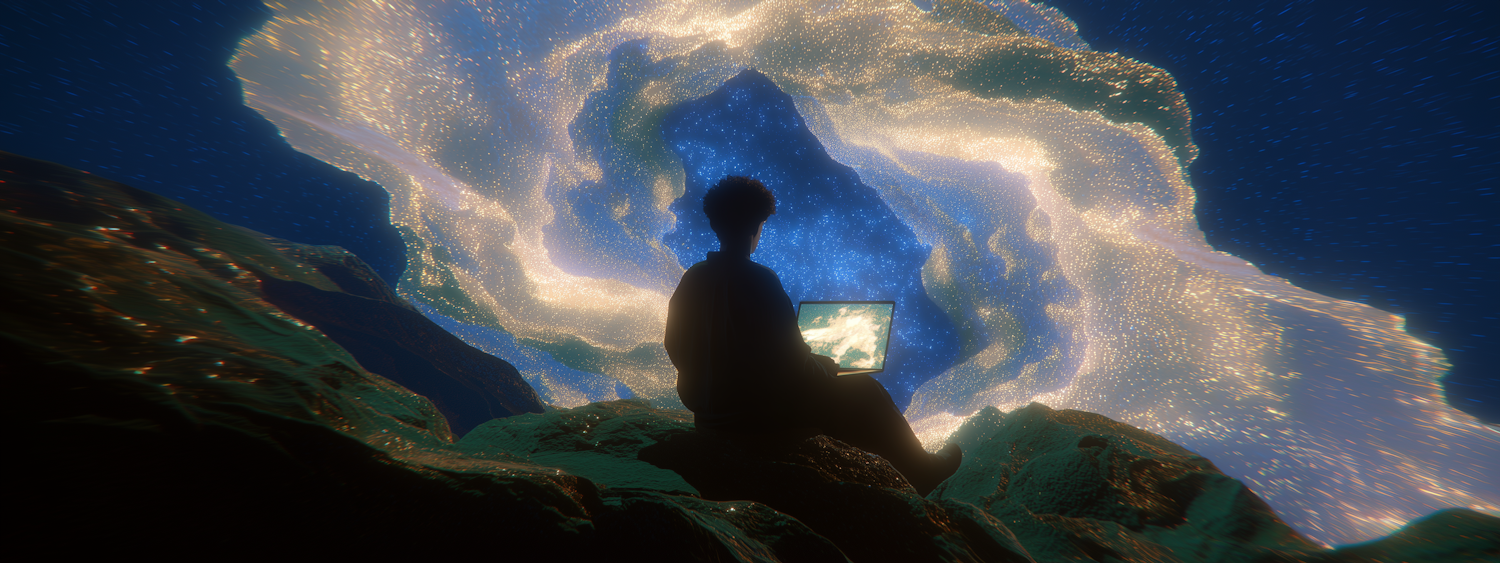
Tools like Stability AI with its Stable Diffusion engine let you generate stunning concept art and realistic environments from a simple text prompt.
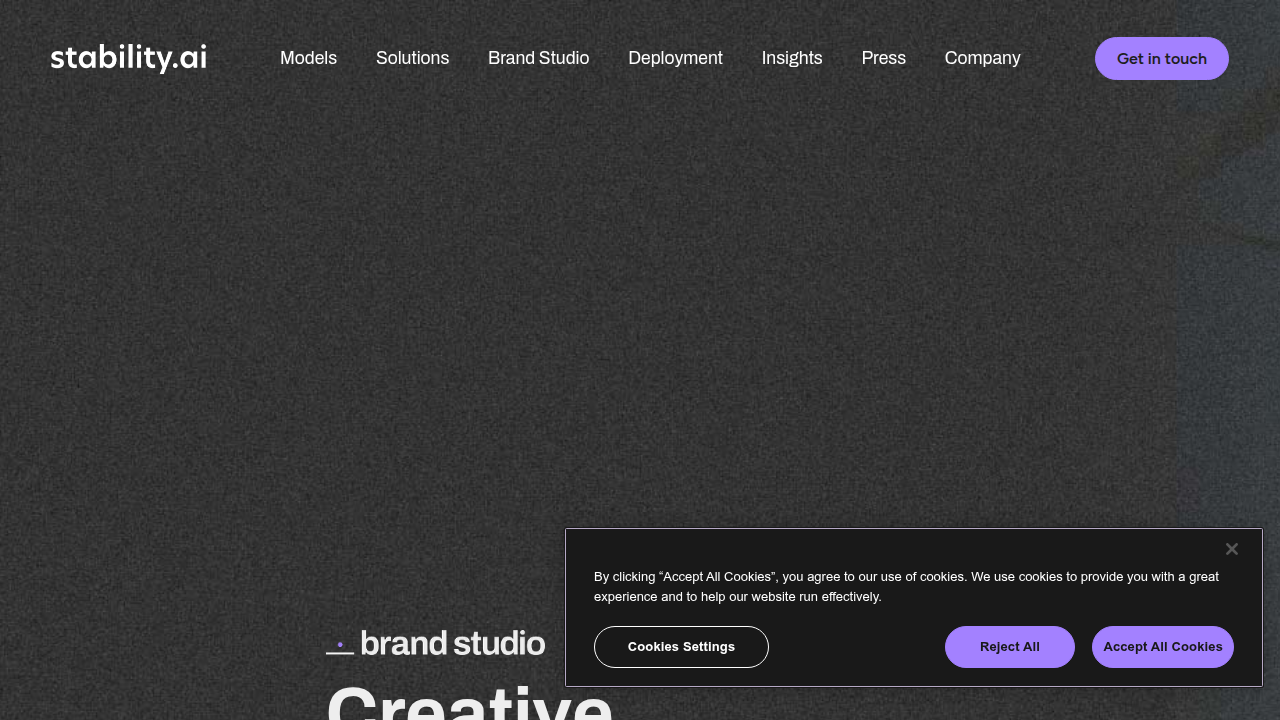
Creatify AI takes this further by helping you turn rough ideas into polished visual sequences that look like they came from a major studio.
Need alien voices or robotic dialogue? ElevenLabs AI creates voiceovers that sound completely natural. Want to animate characters or blend scenes smoothly? Seamless AI and Producer AI handle the heavy lifting in post-production.
Here is the thing. The demand for high quality sci-fi content has never been higher. Streaming platforms need fresh stories. Audiences crave new worlds. And creators are hungry for tools that let them keep up with that demand without waiting for a green light from a studio.
But here is a reality check too. Using AI in filmmaking comes with questions about copyright and ownership. As of 2026, the rules are still being written.
This article gives you an honest, in depth look at how these AI tools actually work right now. We will explore real applications in pre-production, VFX, and post-production. We will also walk through a practical guide so you can start using these tools yourself. And yes, we will talk about the legal side so you stay safe.
Whether you are a seasoned indie filmmaker or just someone with a big idea, the new frontier of sci-fi creation is wide open. If you want to stay updated on the latest AI filmmaking breakthroughs and curated sci-fi highlights, subscribe to our weekly newsletter so you never miss a beat.
Stability AI and Creatify AI: Core Technologies Explained
To actually build on that new frontier, you need the right tools. Let’s zoom in on two of the most powerful engines powering this indie filmmaking revolution right now.
First up is Stability AI. You might know it for its Stable Diffusion models. In 2026, the latest version is Stable Diffusion 3.5. This model is a huge step forward for indie creators. Why? For one, it offers incredible photorealism. You can type "alien marketplace on a ringworld, photorealistic, 8k" and it will generate an image that looks like a movie still. It also gives you much better control over style. You can feed it concept art or a specific color palette, and it will follow your lead. Plus, it can now generate short video clips, not just static images. The best part is that it is open-source. This means it is free to use and customize. For indie filmmakers, that removes a huge financial barrier. As one guide to AI image models in 2026 notes, "Stable Diffusion 3.5 gives you all the freedom for technical customization and delivers high-quality results at no cost."
Next, let’s talk about Creatify AI. If Stability AI is the artist, Creatify AI is the editor. It specializes in taking your words and turning them into video sequences. Here is how it helps. You have a script. Creatify AI can generate a storyboard from it. This saves days of drawing or planning. It also handles text-to-video conversion, lip-syncing for digital characters, and multi-scene consistency. This means your spaceship looks the same in scene 5 as it did in scene 1. Creatify AI was highlighted in a roundup of the best AI video generators for 2026 for its complete approach to video creation. It is not just a tool. It is like having a junior video editor who never sleeps.
These tools work even better together. You can generate a stunning alien landscape using Stable Diffusion 3.5. Then, you import that image into Creatify AI to animate a character walking through it.
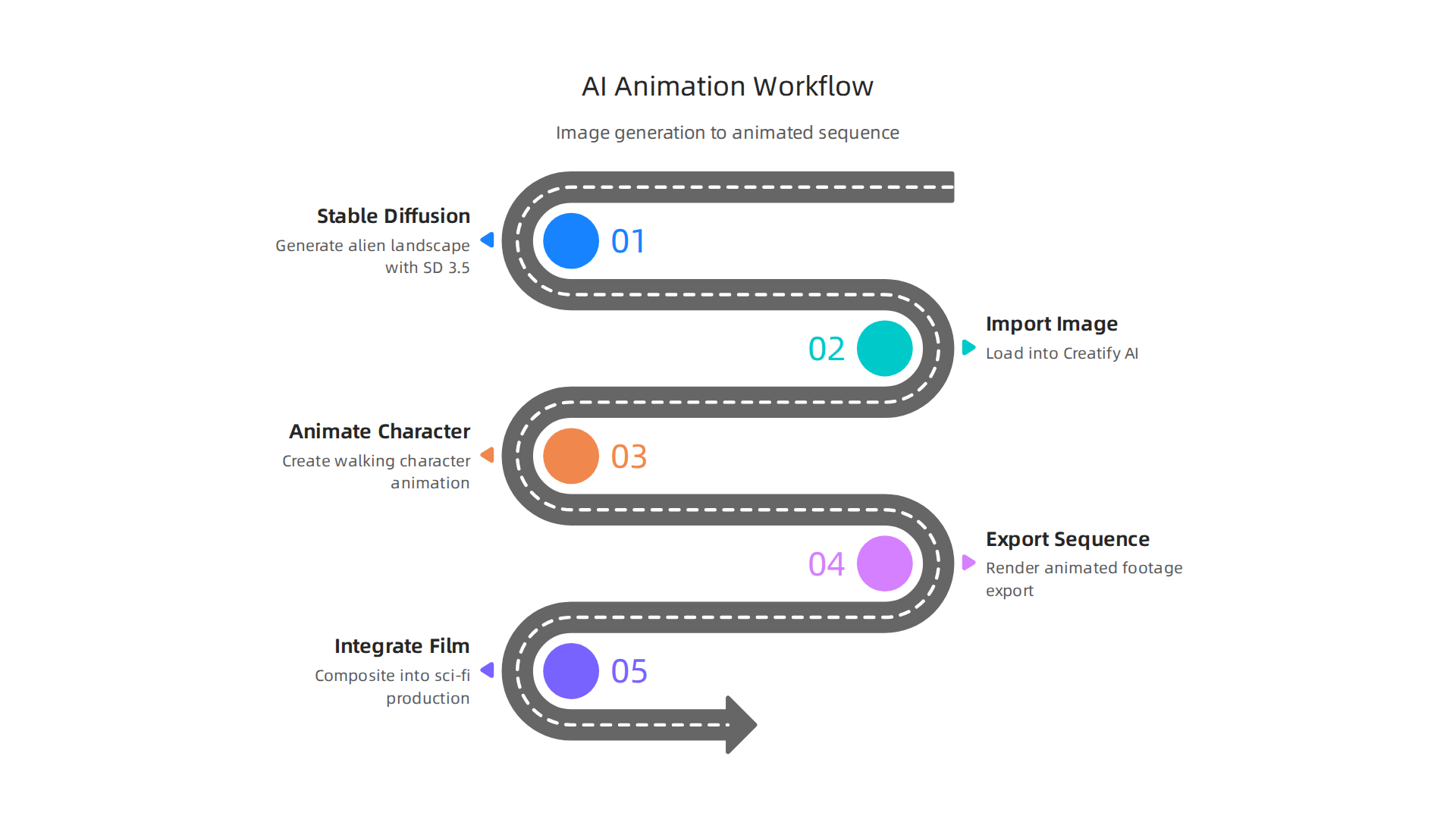
Both platforms offer APIs. An API is just a way for software to talk to each other. This means you can connect Stable Diffusion and Creatify AI directly into your existing editing software like Premiere Pro or DaVinci Resolve. This creates a smooth workflow that AI is setting as a new standard in movie making.
The speed of this technology is amazing. We are already seeing it restore classic sci-fi films and power entirely new productions. To stay ahead of the curve, it helps to follow the latest breakthroughs in AI for storytelling in 2026.
Understanding these core technologies unlocks a whole new world of creative possibilities. The only limit is your imagination. And if you want to see what happens when imagination runs completely wild, Read Book 1 of the Ridiculous series. It is a universe-bending story full of the same kind of creative chaos these tools allow you to produce. You can also Visit Ridiculous to explore the full series and see how storytelling evolves across books, animation, and film.
Revolutionizing Pre-Visualization and Concept Art for Sci-Fi Films
Remember the old way of making concept art for a sci-fi film? You would describe your alien world to a concept artist. They would sketch it. You would wait days. Then you would give notes. The whole cycle could take weeks. And if you wanted to see five different versions of your spaceship, that was a luxury most indie filmmakers could not afford.
That is not how it works anymore.
In 2026, AI has completely changed pre-visualization and concept art. With tools like Creatify AI and Stability AI, independent filmmakers can iterate through dozens of designs in a single afternoon.
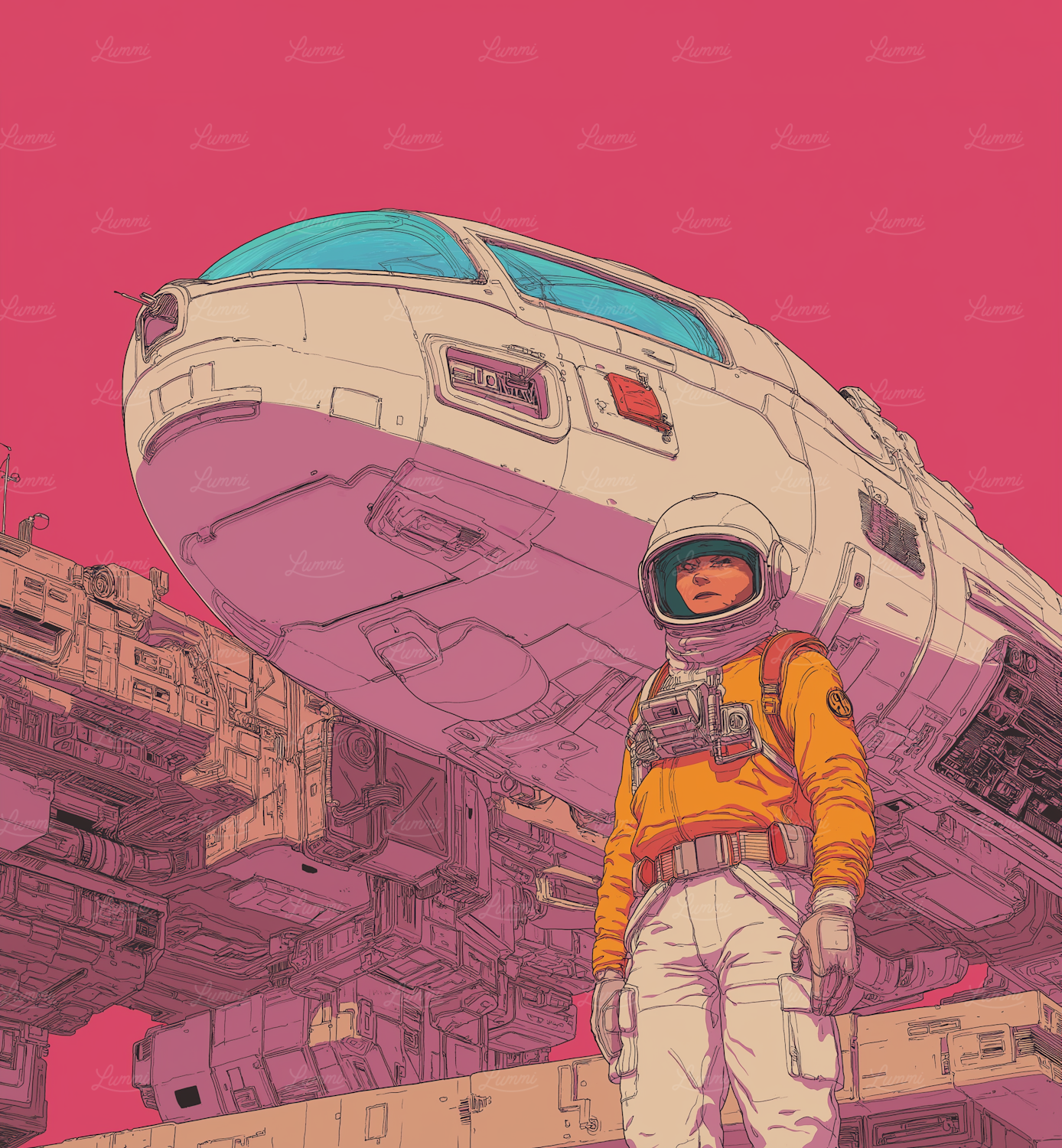
Here is a breakdown of the difference.
Before AI (the old way):
- A single concept sketch took one to three days
- A full storyboard for a short film took two to four weeks
- Changing your mind meant starting almost from scratch
- Hiring a concept artist for a full pre-vis phase costs thousands of dollars
After AI (the new way):
- You can generate 20 variations of an alien landscape in ten minutes
- A complete storyboard and animatic can be ready in a few hours
- You can change the mood, lighting, or architecture with a simple text prompt
- One artist can now produce five times more creative variations in the same time frame
This speed is not just about saving time. It is about unlocking better ideas. When you can see ten different versions of your world, you might discover a design choice you never even considered.
The shift is already happening in real indie productions. Independent sci-fi projects like "Neon Horizon" and "Quantum Frontier" have used Creatify AI and Stability AI to build their full pre-visualization packages. They uploaded scripts, generated storyboards, and then animated key scenes to test pacing and camera angles. The result? They saved months of pre-production time.
A 2026 guide on previsualization for film explains how this works in practice. The AI tool reads your script, identifies the scenes and characters, and then generates a visual storyboard automatically. This is a game changer for filmmakers who are not strong illustrators.
And it does not stop at 2D images. Tools like Tripo 3D now allow directors to generate 3D assets directly from text prompts.
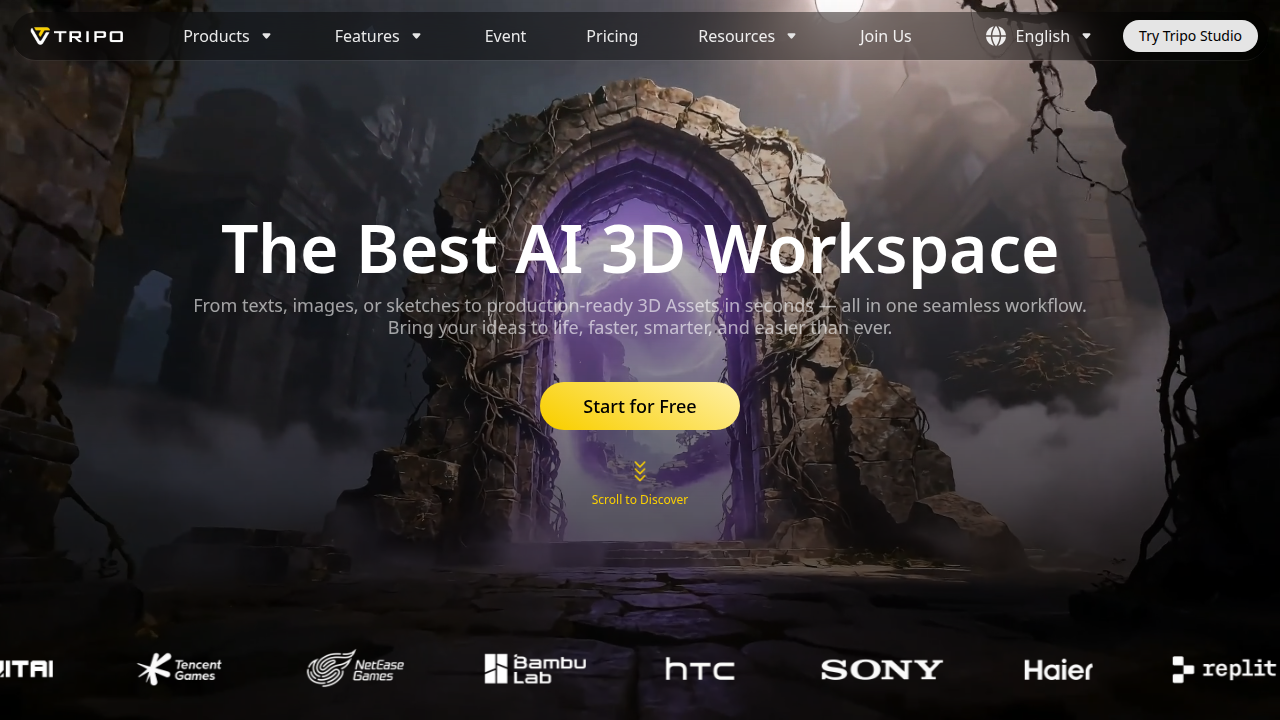
You can type "derelict spacecraft interior, rusted panels, eerie blue lighting" and have a fully textured 3D model ready for your virtual camera. This is a huge leap forward for indie productions with limited budgets.
Even major studios are paying attention. The AI-driven VFX trends of 2026 are reshaping the entire industry, with real-time rendering and AI asset generation becoming standard practice.
The result is that pre-visualization, once the territory of big budgets and big teams, is now accessible to anyone with a laptop and a vision.
And if you want to see what happens when that vision runs completely wild, Read Book 1 of the Ridiculous series. It is a universe-bending story that started on the page but was born for the screen. You can also Visit Ridiculous to explore the full series and see how storytelling evolves across books, animation, and film.
Integrating AI into VFX and Post-Production Workflows
You have your pre-visualization locked in. Now comes the hard part: turning those concepts into finished shots. In 2026, AI tools are no longer just for planning. They are right in the middle of VFX and post-production, doing the grunt work that used to eat up weeks of your budget.
Think about the tasks that slow you down. Rotoscoping, background cleanup, upscaling plates, and even generating whole CGI elements. These are where AI shines. According to a 2026 report on VFX trends, real-time rendering and AI asset generation have become standard practice in film production. That means you can focus on the creative decisions instead of the pixel pushing.
Let’s break down how specific tools help.
Creatify AI is great for generating b-roll and establishing shots on the fly. You need a wide shot of a distant planet? Type a prompt. Need a quick insert of a control panel? Done. This tool can fill your edit with polished footage that blends with your live-action material.
Stability AI offers in-painting and out-painting. These are lifesavers when you have a perfect shot but a weird artifact or a mismatched edge. You can select the problem area, describe what should be there, and the AI fixes it. It can also extend the frame beyond what you shot, letting you reframe or add environment.
Tripo 3D brings text-to-3D into your pipeline. Instead of hiring a 3D artist to model every prop, you generate an asset in minutes. A 2026 guide to AI in film production highlights how tools like Tripo slash modeling time from days to hours.
But AI is not magic. You will face real challenges.
The biggest one? Character consistency. Try to generate the same alien face across different shots, and you might end up with a different creature every time. AI models lack a stable memory of your characters. That means you need to carefully set reference images and sometimes do manual cleanup to keep everything looking the same.
Another issue is AI artifacts. Even the best tools produce glitches. Strange fingers, weird shadows, blurry textures. You always need a human eye to catch and fix them. This is why professional workflows still blend AI speed with artist polish.
For example, the AI-generated short film "Zero Hour" (2026) shows what is possible, but its creator had to manually fix many character inconsistencies between scenes. It proves that AI is a powerful assistant, not a replacement.
If you want to dive into how upscaling can restore old footage or boost new productions, check out our guide on using upscale AI for classic sci-fi films. And for the latest breakthroughs that make all this possible, see our roundup of OpenAI breakthroughs in 2026.
Now here is the truth: no matter how slick your VFX look, they serve the story. The best visual effects in the world mean nothing if the audience does not care. That is where imagination comes in.
If you want to see a story that bends the universe with wit and chaos, Read Book 1 of the Ridiculous series. It is a sci-fi comedy built for the screen, full of creativity that no AI can replace. Or Visit Ridiculous to explore the full world.
Creatify AI in Detail: Features, Pricing, and Use Cases
We just saw how AI tools like Creatify can jump into your VFX pipeline. But what exactly does Creatify AI do, and how can you use it for your next sci-fi project? Let’s break it down.
Creatify AI is a text-to-video platform built for speed and scale. It does more than just turn text into footage. It offers style transfer, lip-sync, and multi-shot storytelling. That means you can write a script, pick a visual style, and get back a video with characters that appear to speak the lines. The style transfer feature is key for sci-fi. You can take a simple live-action clip and apply the look of a retro-future world or a gritty cyberpunk city. According to a 2026 review, the tool combines web scraping, language models, and text-to-speech engines to produce ads that look native to platforms like TikTok and Instagram. But you can use these same features to create short sci-fi scenes or visual effects demonstrations.
Pricing is flexible. There is a Free tier that lets you test the basics with a watermark. The Pro plan unlocks higher resolution, more generations, and removes the watermark. For studios or agencies running multiple projects, the Enterprise tier offers custom limits and team collaboration. Independent creators can start with Free, upgrade to Pro when they need polish, and never worry about per-minute fees that eat your budget.
Use cases for sci-fi filmmakers are wide open. Need a quick proof-of-concept for a spaceship interior? Type a description, pick a style, and render. Want to create promotional materials for a festival pitch? Make a 30-second trailer with AI actors and lip-sync. Even use it to generate b-roll for a VFX breakdown reel. The AI-generated advertising guide from Creatify shows how brands create dozens of variations in minutes. You can do the same for different shots of an alien world.
If you are restoring older sci-fi footage to mix with new AI clips, see our guide on using upscale AI for classic sci-fi films. And for the latest model capabilities that speed up your pipeline, check out our OpenAI breakthroughs roundup.
The bottom line: Creatify AI gives you a fast, cheap way to iterate on visual ideas before committing to expensive renders. It is a storytelling tool, not just an ad maker. Try it on your next experimental scene.
Want more tools and workflows like this delivered weekly? Subscribe for curated reviews and sci-fi production insights.
Ethical and Legal Dimensions: AI, Copyright, and the Future of Creative Work
You just spent hours using Creatify AI to generate a stunning spaceship interior for your indie sci-fi short. The lip-sync is perfect. The lighting feels alive. You upload it to YouTube and someone asks: “Who owns this?”
It is a fair question. And in 2026, the answer is still complicated.
The Copyright Gray Zone
Here is the core issue: under current U.S. law, purely AI-generated content without significant human creative input is not copyrightable. The U.S. Copyright Office has made this clear in recent rulings, and a Supreme Court decision confirmed that AI cannot be listed as an author. That means if you type a prompt into Creatify AI, Stability AI, or ElevenLabs AI and use the output as-is, you may not own the copyright to that specific image or voice clip. The law says a human must be the author.
But what counts as “substantial human creativity”? That is where things get messy. If you heavily edit the AI output, combine multiple generations, write a detailed script, or direct the overall composition, you might cross the threshold. The 2026 entertainment law forecast points out that several high-profile cases are now testing these boundaries. For independent filmmakers, the risk is real. You could pour your heart into a film built partly with AI tools and then discover you cannot legally stop someone from redistributing it.
What Unions Are Doing About It
The industry is not waiting for the courts alone. Unions like the WGA and SAG-AFTRA have already negotiated agreements that regulate AI use in writing and performances. These deals set precedents that are starting to affect visual effects workflows too. For example, studios must now disclose when AI-generated material is given to writers or actors. The same kind of disclosure is being pushed for VFX artists and independent contractors. If you work with Producer AI for music or Seamless AI for real-time translation, you may need to track exactly how the tool was used.
Sci-fi filmmakers especially need to pay attention. Our genre has always explored themes of creation, identity, and artificial intelligence. From Blade Runner to Her, these stories question what it means to create and own something. Now we are living through that same question in our own work.
Where You Fit In
The legal landscape will keep shifting. But you can protect yourself today.
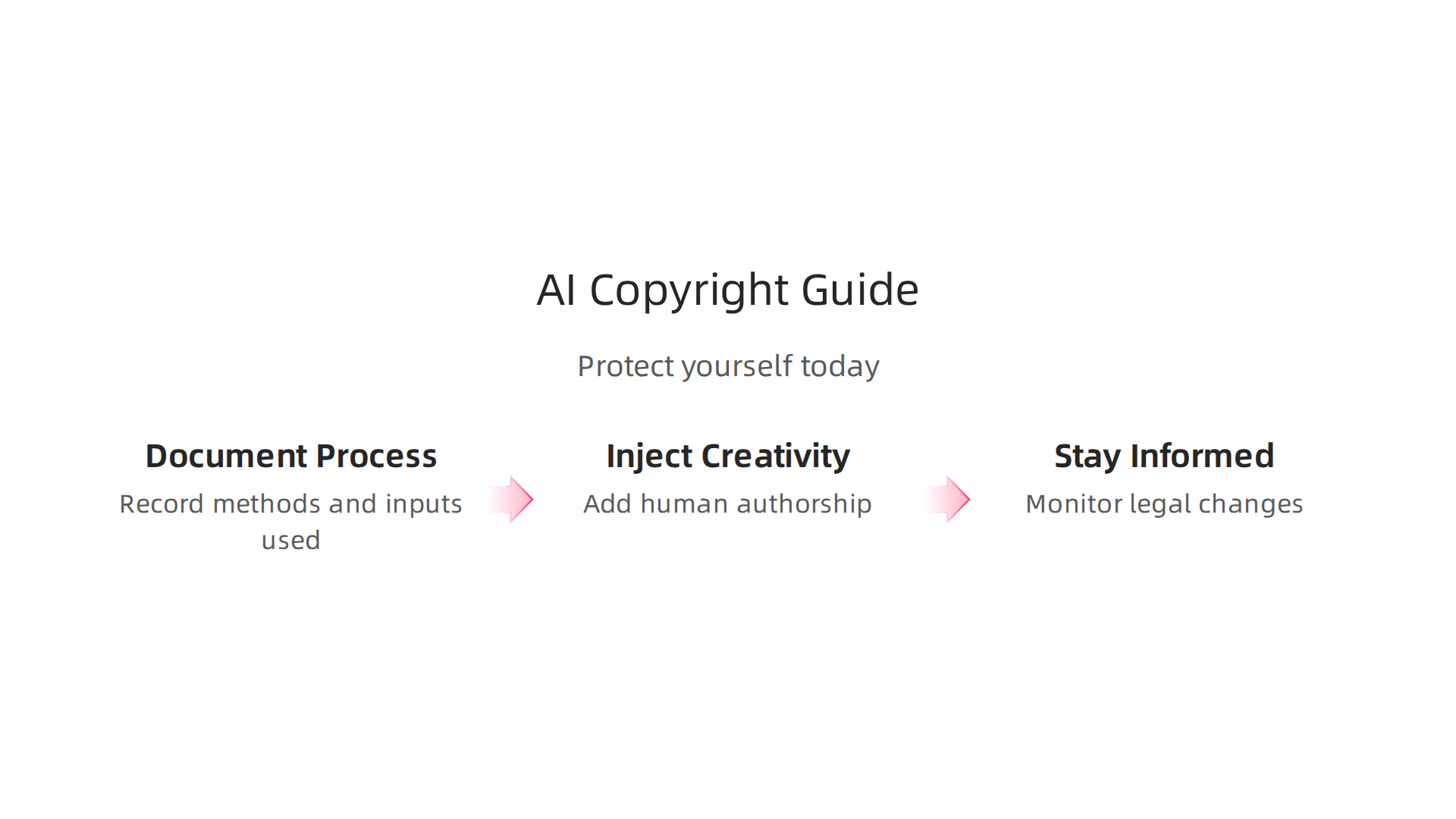
Keep a record of your creative process. Save your scripts, storyboards, editing logs, and prompt histories. Document how you modified AI outputs. The more human authorship you can show, the stronger your copyright claim.
Stay informed about union agreements. Even if you are not a member, the standards they set often become industry norms.
And whenever possible, inject your own voice and vision. That is what makes your sci-fi story unique.
For deeper context on how AI is reshaping older works, check out our guide on using upscale AI to restore classic sci-fi films. And for the latest model capabilities that could affect your pipeline, see our OpenAI breakthroughs roundup.
The future of creative work is being written right now. Make sure you have a seat at the table.
Want to keep up with these changes and get curated sci-fi production insights every week? Subscribe for our newsletter.
Getting Started with Creatify AI for Your Sci-Fi Project
So you are ready to bring your sci-fi vision to life. Creatify AI makes it surprisingly easy to turn a simple text prompt into a full video scene. Even if you have never used AI video tools before, the learning curve is gentle. In 2026, the platform has matured into a solid option for indie filmmakers who want to experiment without a huge budget.
Here is how to start.
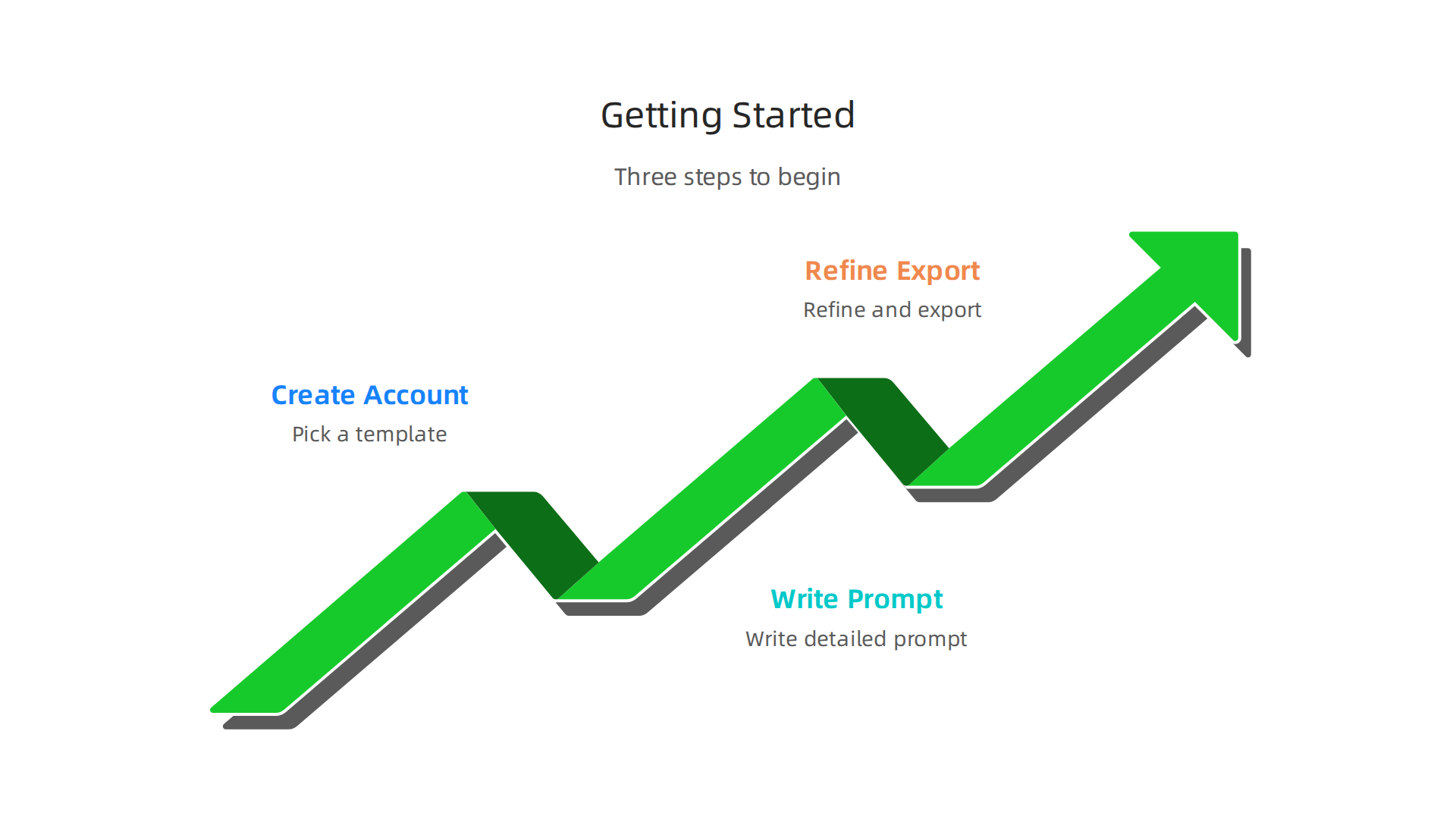
Step 1: Create Your Account and Pick a Template
Head to the Creatify AI website and sign up. The free tier lets you test the waters, but for serious projects you will want a paid plan. Once inside, you will see a library of templates. Do not skip this step. Templates give you a head start with prebuilt scenes, character styles, and lighting setups.
For sci-fi, look for templates tagged with words like "futuristic," "space," or "laboratory." If none fit your exact vision, that is fine. You can start from scratch with a blank canvas.
Step 2: Write Your Prompt Like a Pro
This is where the magic happens. Creatify AI turns your text into video output. The key is to describe your scene with specific sci-fi keywords. Here are a few examples based on what works well:
- Cyberpunk: neon streets, rain-slicked alleys, holographic billboards, augmented humans
- Biopunk: organic technology, flesh-metal hybrids, glowing veins, alien flora
- Retro-futurism: chrome finishes, vacuum tubes, analog dials, 1980s imagined future
- Alien landscape: twin suns, bizarre rock formations, strange atmospheric colors, non-human architecture
The more detail you give, the better the result. Try something like: "A cyberpunk alley at night with neon signs reflecting on wet pavement. A lone figure in a chrome coat walks toward the camera. Rain and steam fill the air." You can see how Creatify AI combines its text-to-speech engines and large language models to turn that into a moving shot.
Step 3: Refine and Export
After the first generation, tweak the output. Adjust the camera angle, lighting intensity, or character position. You can also swap the voiceover if you want dialogue. If you need a custom voice, tools like ElevenLabs AI integrate well here.
Once you are happy, export the video. Creatify AI supports standard formats that work with most editing software. For final polish, bring your clip into DaVinci Resolve. Add color grading, sound effects, and transitions. That is where your unique human touch elevates the AI output into something truly yours.
If you want to explore other AI tools that pair well with this workflow, check out our roundup on the best AI video generators of 2026.
Ready to start building your sci-fi world? Subscribe for more production guides delivered weekly.
Summary
This article explores how AI has reshaped independent sci‑fi filmmaking in 2026, showing creators how tools like Stable Diffusion, Creatify AI, ElevenLabs, and Tripo 3D make pro‑quality concept art, storyboards, VFX, and voice work possible on modest budgets. It explains core technologies—Stable Diffusion 3.5 for photoreal imagery and Creatify for text‑to‑video and multi‑shot consistency—then walks through real workflows from pre‑visualization to post‑production. You’ll learn practical steps to get started with Creatify, how to integrate models into editors via APIs, and tips to avoid common issues like inconsistent characters and AI artifacts. The article also covers pricing tiers, examples of indie productions using these tools, and the current legal and ethical landscape around copyright and unions. By the end, readers will understand both the creative possibilities and the precautions needed to use AI responsibly in their own sci‑fi projects.